Creating a custom swim workout on your Garmin device and sending it to your watch can enhance your training experience by providing structured sessions tailored to your goals. Here’s a step-by-step guide on how to create and transfer a swim workout to your Garmin watch.
1. Open Garmin Connect App: Start by opening the [Garmin Connect](https://www8.garmin.com/manuals/webhelp/garminswim2/EN-US/GUID-25FDD387-C59C-4102-8BCA-5F5291B12432.html) app on your smartphone or access Garmin Connect through a web browser on your computer.
2. Navigate to Workouts: In the app, select the Menu symbol (three horizontal lines or dots depending on your device), then choose `Training` > `Workouts`.
3. Create a Workout: Tap on `Create a Workout`. Choose `Pool Swim` to start crafting your swim workout.
4. Customize Your Workout: Add your desired swim drills, rest intervals, distances, and any instructions you might want to follow during your workout. Ensure that you set the pool size correctly to match where you plan to swim, as this will help in recording accurate data.
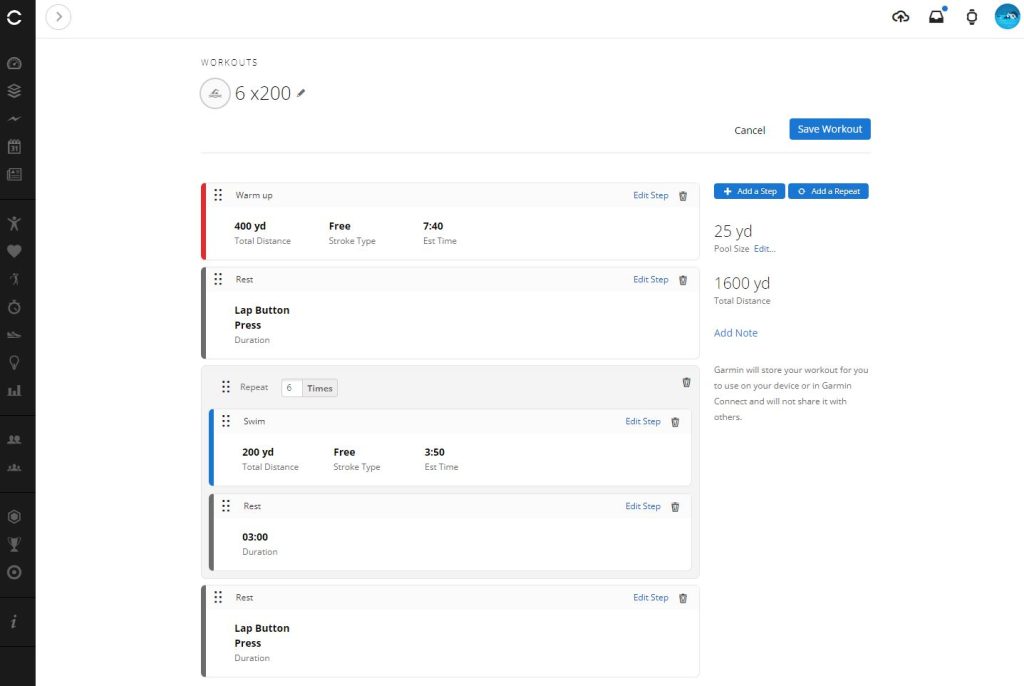
5. Save Your Workout: Once you have finished creating your workout, give it a name and save it. Click Send to Device
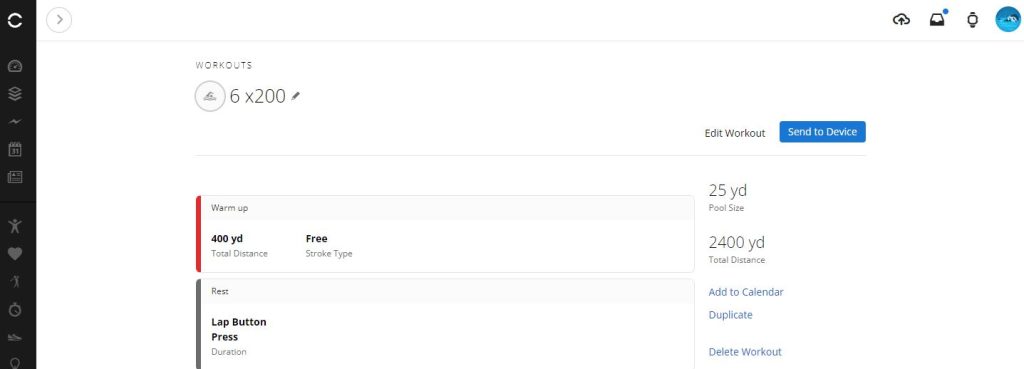
Sending Workouts to Your Garmin Watch
1. Connect Your Device: Make sure your Garmin watch is paired with your smartphone and that you have a stable internet connection.
2. Select the Workout: Go back to the `Workouts` section in the Garmin Connect app. Here you should see the workout you’ve just created.
3. Send to Device: Select the workout you wish to transfer, and then choose the option to `Send to Device`. Your workout will be transferred to your Garmin watch.
4. Sync Your Watch: If required, sync your watch with the Garmin Connect app to ensure the workout has been transferred successfully.
Accessing Swim Workouts on Your Garmin Watch
Access Your Workout on the Watch: On your Garmin watch, navigate to the training features and select `My Workouts`. You should find your custom swim workout listed there.
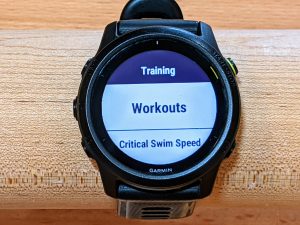
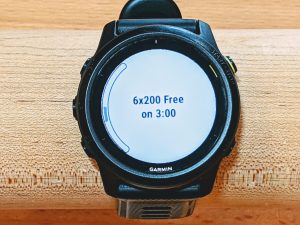
Start Your Workout: When you’re ready to swim, simply select the custom workout on your watch and start the session. Your watch will guide you through the workout, telling you when to swim and when to rest.
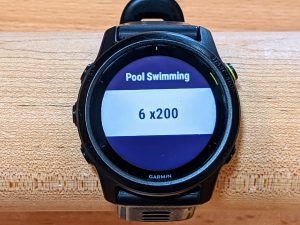
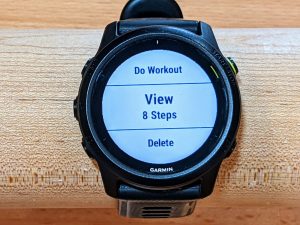
You can review the steps of the work as a quick reminder before getting started. If you’re ready simply select Do Workout.
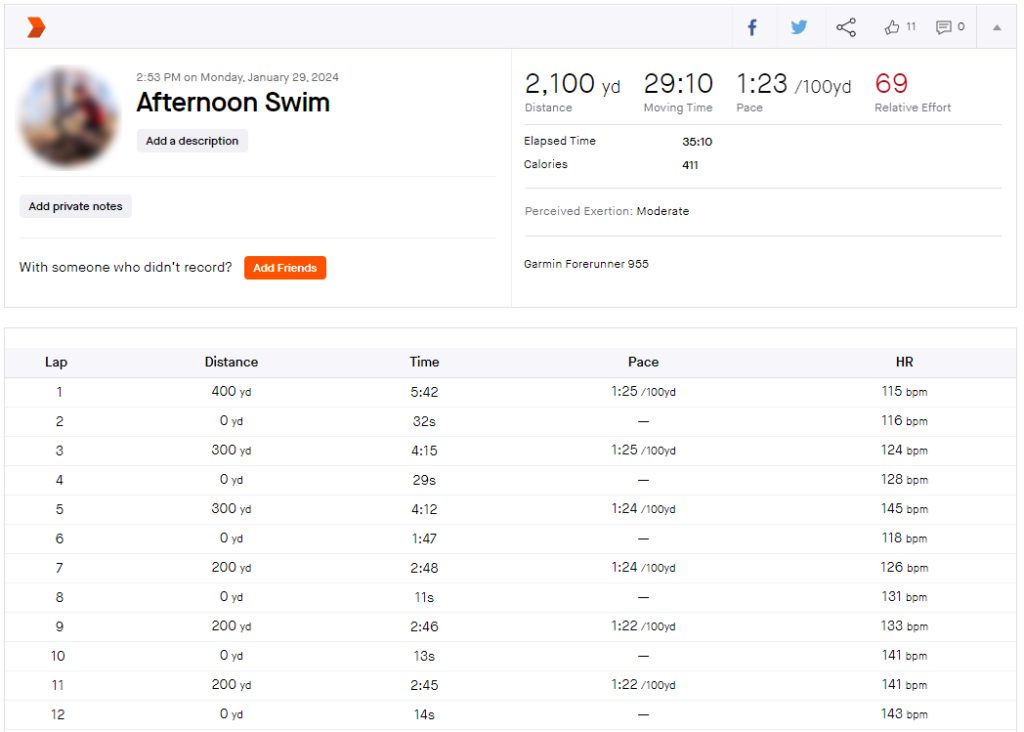
After your workout you can upload to Strava.com and share with your friends, fans, and followers
Conclusion
Creating a custom swim workout on Garmin Connect offers swimmers a tailored approach to training, allowing them to hone specific skills and achieve their aquatic goals with precision. This innovative tool not only streamlines the process of planning and executing swim workouts but also empowers users to monitor their progress and make data-driven adjustments. Whether you’re a competitive swimmer looking to shave seconds off your personal best or a recreational swimmer seeking to improve your technique and endurance, Garmin Connect’s custom swim workout feature is a game-changer.


